Skip to content

Search in subsites can also be displayed on mobile devices

June 5, 2026
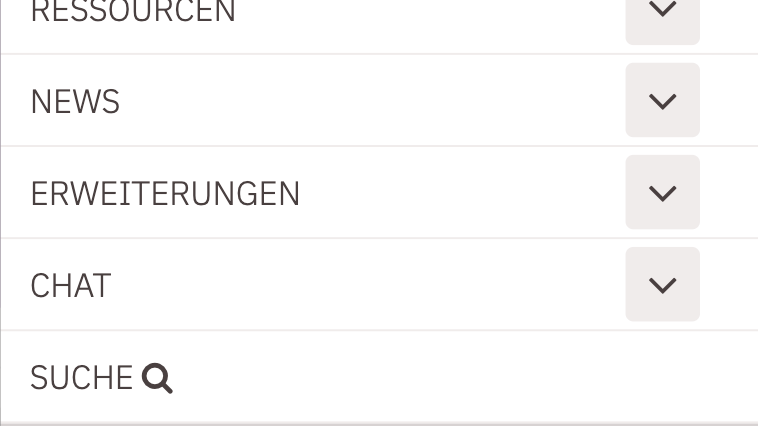
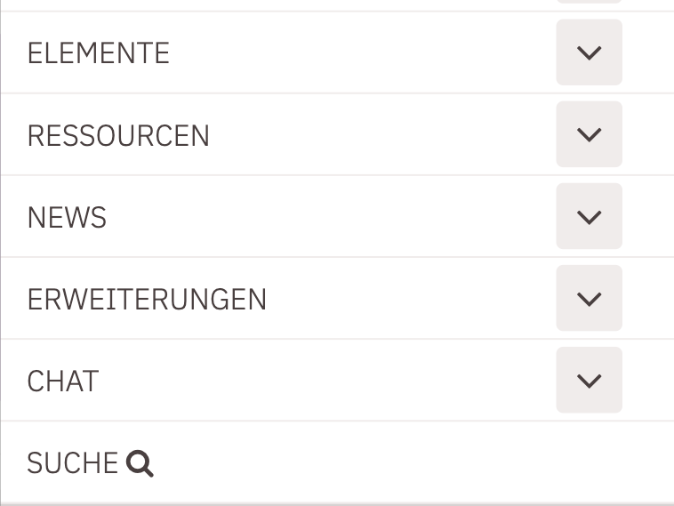
Previously, the search icon (magnifying glass) from the navigation was not displayed in the mobile view of subsites. Through an element setting of the navigation in the header area, the display of the search icon can now be configured.

Display search icon in mobile view Display search icon in mobile view

In the header area of the main navigation element, there is an element setting "Show search". The following options can be selected:

  • Show on mobile and desktop: The display on desktop remains unchanged, while on mobile, the search icon with the text "Search" is displayed at the last position in the menu, linking to the locally configured search page.
  • Show only on desktop: This is the setting for the previous behavior, the icon is not displayed in the mobile version.
  • Use system default: This allows centralized control in an installation over whether the search icon appears on mobile or not. This is necessary because switching globally in templates that use different logic might cause the search to suddenly appear even when it shouldn't.
  • Hide search: The search icon is not displayed.

The default is "Use system default".